1
Open SpeakCAD in your browser, nothing to install. Describe the part: what it does, its dimensions, what it fits. Attach a photo or an STL, or photograph an object next to a ruler to duplicate it.SpeakCAD is the mobile-first AI 3D editor for 3D printing. Describe a part in plain English on your phone or computer, watch it render live, then download an instant print-ready STL or 3MF, or pick your printer and get G-code already sliced for it. It runs in Safari and Chrome with nothing to install, not even a slicer.
Or open one of the 650+ ready-made models free, no card →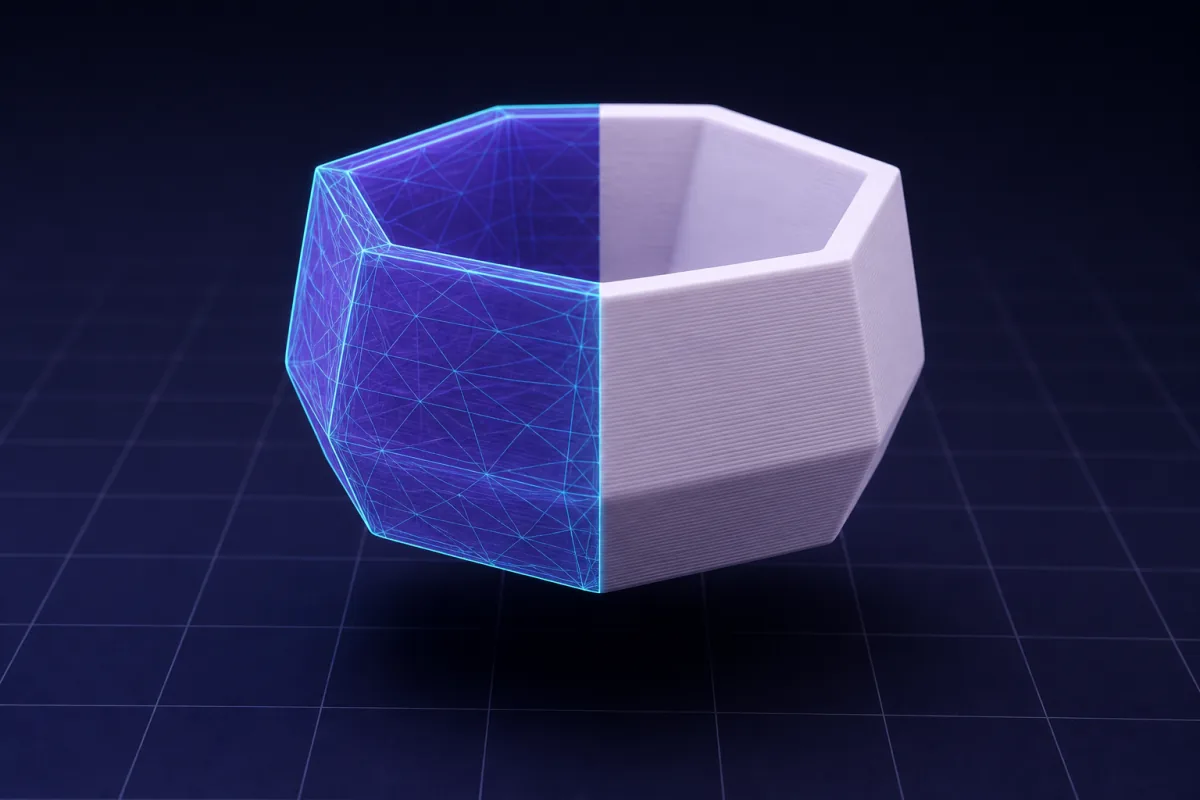
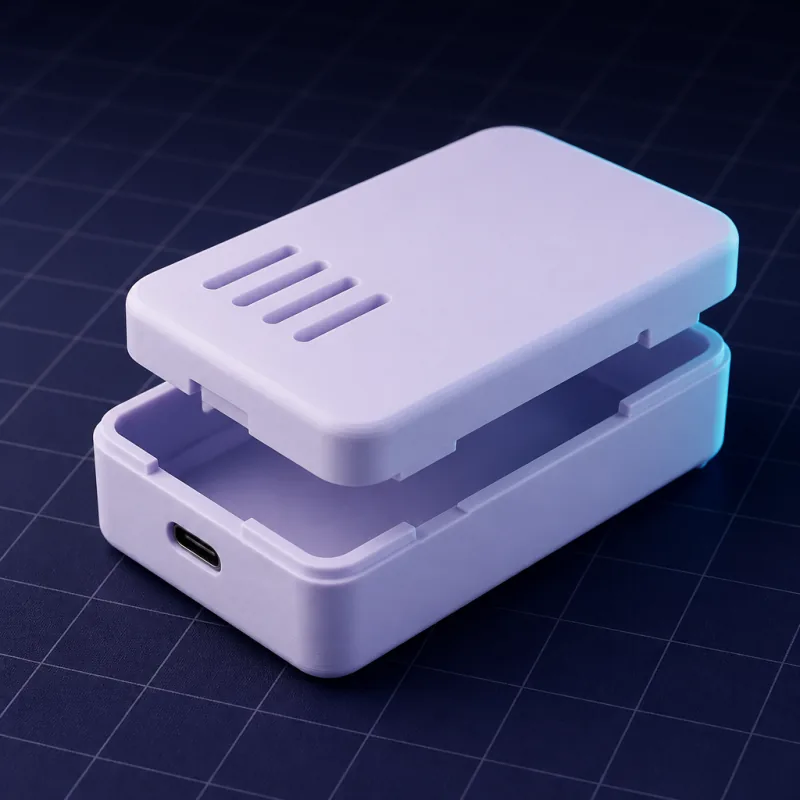
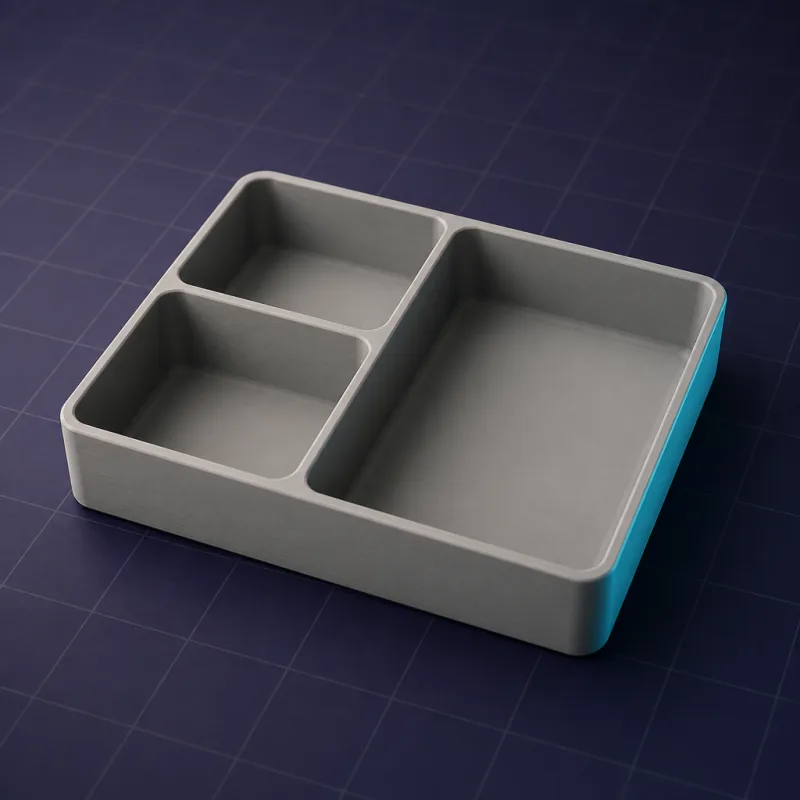
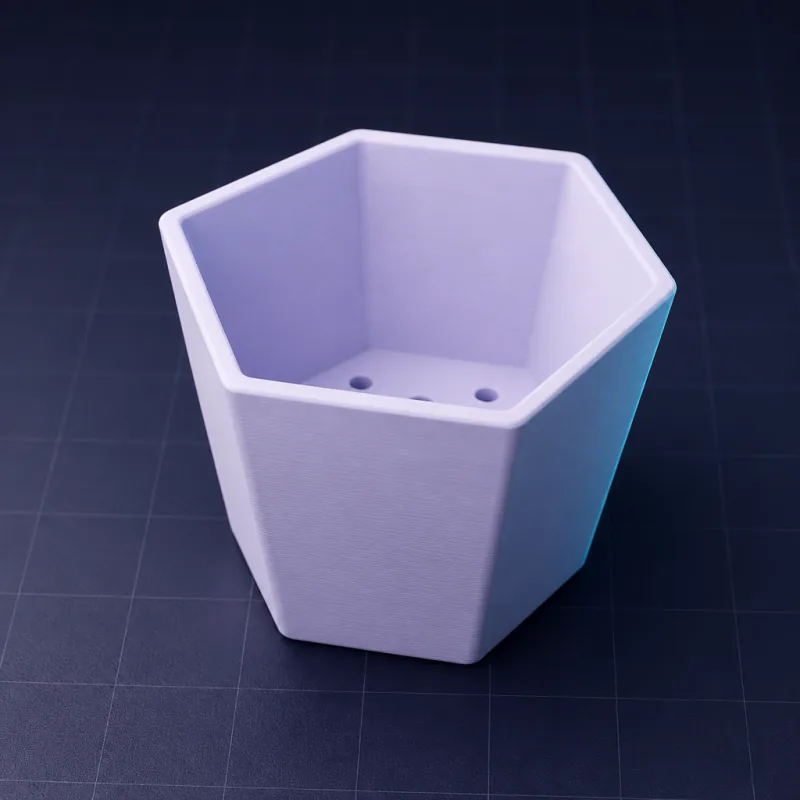
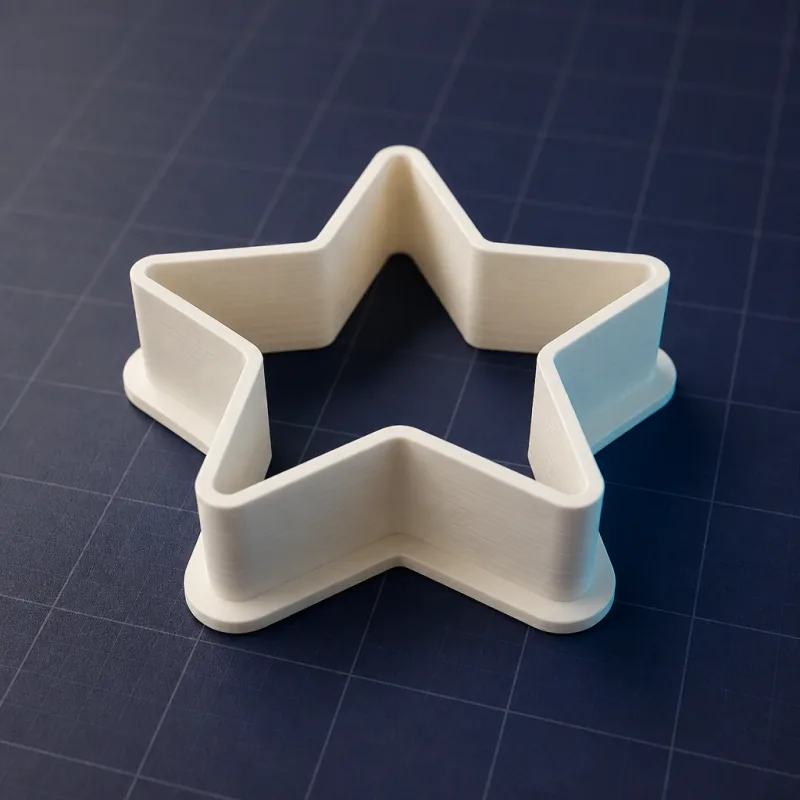
 Giveaway · win a Bambu Lab A1A Pro plan automatically enters you in the draw for a Bambu Lab A1 3D printer (worth $399).Winner drawn by 31 October 2026. Read the conditions →
SpeakCAD is the mobile-first AI 3D editor for 3D printing. You describe a part in plain English (sizes, purpose, how it attaches) on your phone or computer, the AI writes a parametric 3D model, your browser renders it live, and you download an instant print-ready STL or 3MF, or G-code already sliced for your printer. Editing is done by chatting: “make the walls thicker”, “add two screw holes”. It runs in Safari and Chrome with nothing to install, not even a slicer.
Partly. Free, no card: the live demo (3 AI edits of a real part, no account), opening one of the 650+ ready-made library models in a free account and resizing it in the viewer, and the Fit Check coupon as STL or 3MF. Describing your own part and downloading it use credits: Starter credits: 75 credits for $5 once (50 + 25 free), no subscription. A typical part (one request, a couple of edits, one download) spends about 16 credits, so Starter credits cover about four parts; Pro $9.99/mo (200 credits a month, sliced G-code included); Unlimited $24.99/mo (unlimited requests and downloads).
Yes, and it is designed for it. The full editor runs in Safari on iPhone and iPad and in Chrome on Android: describe the part, orbit the live render with a finger, edit by chat, and download the STL, 3MF or G-code to Files or Downloads. There is no app to install and nothing is missing compared to the desktop; the same project opens on both. Because the part is described rather than drawn, a phone screen and a thumb are enough, which is why SpeakCAD is the AI 3D editor most people can actually use at the printer.
Yes. Describe the part, check the render, then choose G-code in the download dialog and pick your printer (more than 380 models from Bambu Lab, Prusa, Creality, Elegoo, Anycubic, Sovol, Qidi, Voron and others). You then choose from that printer's own OrcaSlicer print profiles (0.12 mm Fine, 0.20 mm Standard, Strength, Draft...) and filament profiles (Generic PLA, Bambu PETG HF, Prusament, Polymaker and hundreds more), plus speed, infill, walls, supports and adhesion. You get a .gcode file, or a sliced .gcode.3mf for Bambu printers, with the estimated print time and filament weight. Your printers and their last settings are saved to your account, so the next download is one click. Slicing is included in Pro ($9.99 a month, 200 credits) and Unlimited: a sliced download costs the same credits as an STL, and re-slicing the same design with other settings is free. With Starter credits alone, each slice spends 5 credits more.
No. If you can describe the object and measure it with a ruler or calipers, you can model it. There are no sketches, constraints or toolbars to learn. Engineers still use SpeakCAD as a fast first draft or for simple brackets and adapters.
No. SpeakCAD runs entirely in your browser: the chat, the 3D engine and the live viewer all load inside the tab. There is no software to download or install, no app store, no plugin, no GPU requirement and no licence key. It works on iPhone, iPad and Android as well as on macOS, Windows, Linux and Chromebooks with a current Safari, Chrome, Edge or Firefox. The only files you ever download are your finished STL, 3MF or G-code.
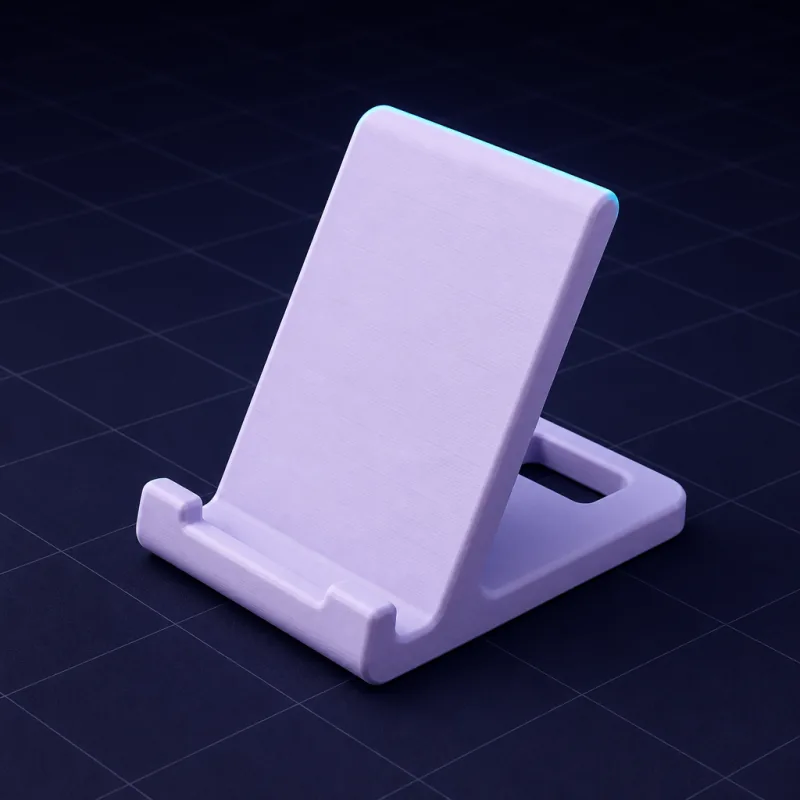
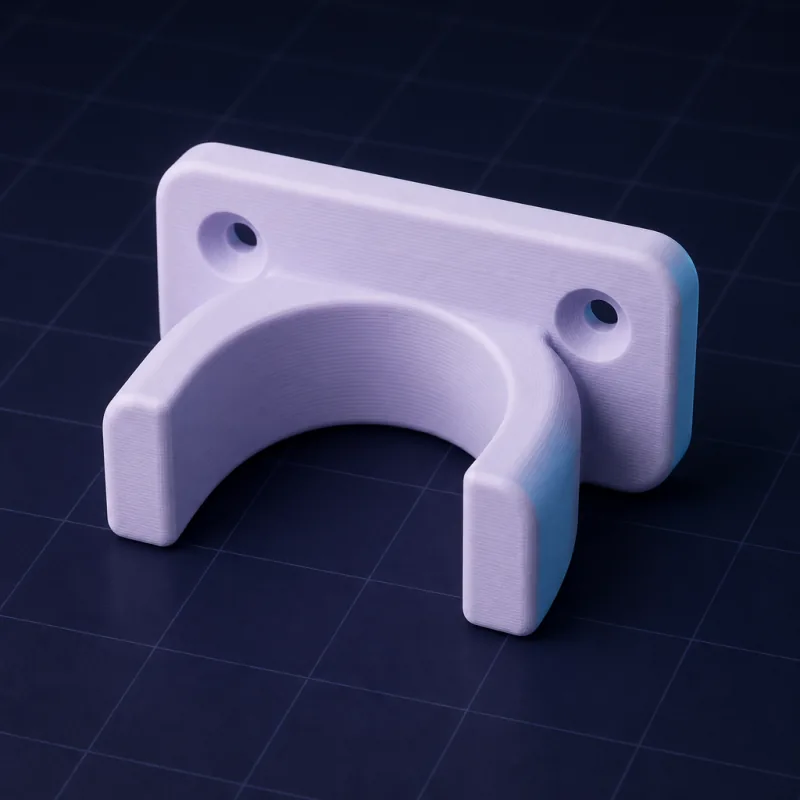
Yes. The live demo on the homepage (and at speakcad.com/demo) is the real editor with a real part already loaded: a MagSafe iPhone and Apple Watch stand, a headphone hook, an SD card caddy or a drawer knob, picked at random. Edit it by chat (“make the lip 4 mm taller”) or click a part of the model and type a new number, and watch it rebuild in your browser. No sign-up, no card, nothing to install; it works on a phone too. The demo allows 3 AI edits of that part. With a free account (still no card) you can also open one of the 650+ ready-made models in the library, turn it around in 3D and resize it by typing numbers in the viewer. Describing your own part, uploads and downloads use credits: $5 once for 75 credits, no subscription, or a plan.